How To Use X-Arcade Joysticks With MUGEN PC Game
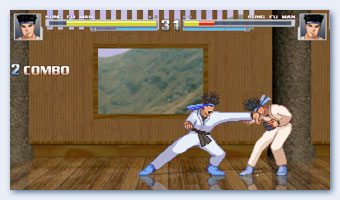
M.U.G.E.N. is a 2D fighting game engine that is enables you to create commercial-quality fighting games. Almost everything can be customized, from individual characters to stages, as well as the look and feel of the game.
M.U.G.E.N. X-Arcade controls:
The MUGEN program ijs very limited on controller mapping, since many keys are permanantly mapped to debugging inputs. So we have made this custom mugen.cfg file for X-Arcade owners using mode1.
Download M.U.G.E.N. X-Arcade cfg - Download and replace in the \mugen\data\ directory.
Alternatively copy these controls to your mugen.cfg file (debug mode must be off):
; P1 Key config (configurable from M.U.G.E.N.) [P1 Keys] Jump = 264 Crouch = 258 Left = 260 Right = 262 A = 304 B = 122 C = 120 X = 306 Y = 308 Z = 32 Start = 49
; P2 Key config (configurable from M.U.G.E.N) [P2 Keys] Jump = 114 Crouch = 102 Left = 100 Right = 103 A = 119 B = 101 C = 91 X = 97 Y = 115 Z = 113 Start = 50
Source article: <https://support.xgaming.com/support/solutions/articles/5000554994-how-to-use-x-arcade-joysticks-with-mugen-pc-game>