The Controller Mount Kit for Spinner-Equipped A2TV-XR (Pinball FX VR Mapping Fix)
Summary:
This kit helps Arcade2TV-XR users who installed the spinner upgrade kit continue using their Quest controllers for physical-to-virtual mapping in Pinball FX VR.
Background:
The Spinner Add-On Kit replaces the default Quest controller holders with spinner modules. This makes it difficult to place controllers during the X-Arcade mapping process in Pinball FX VR. This mount kit restores that functionality.
What It Does:
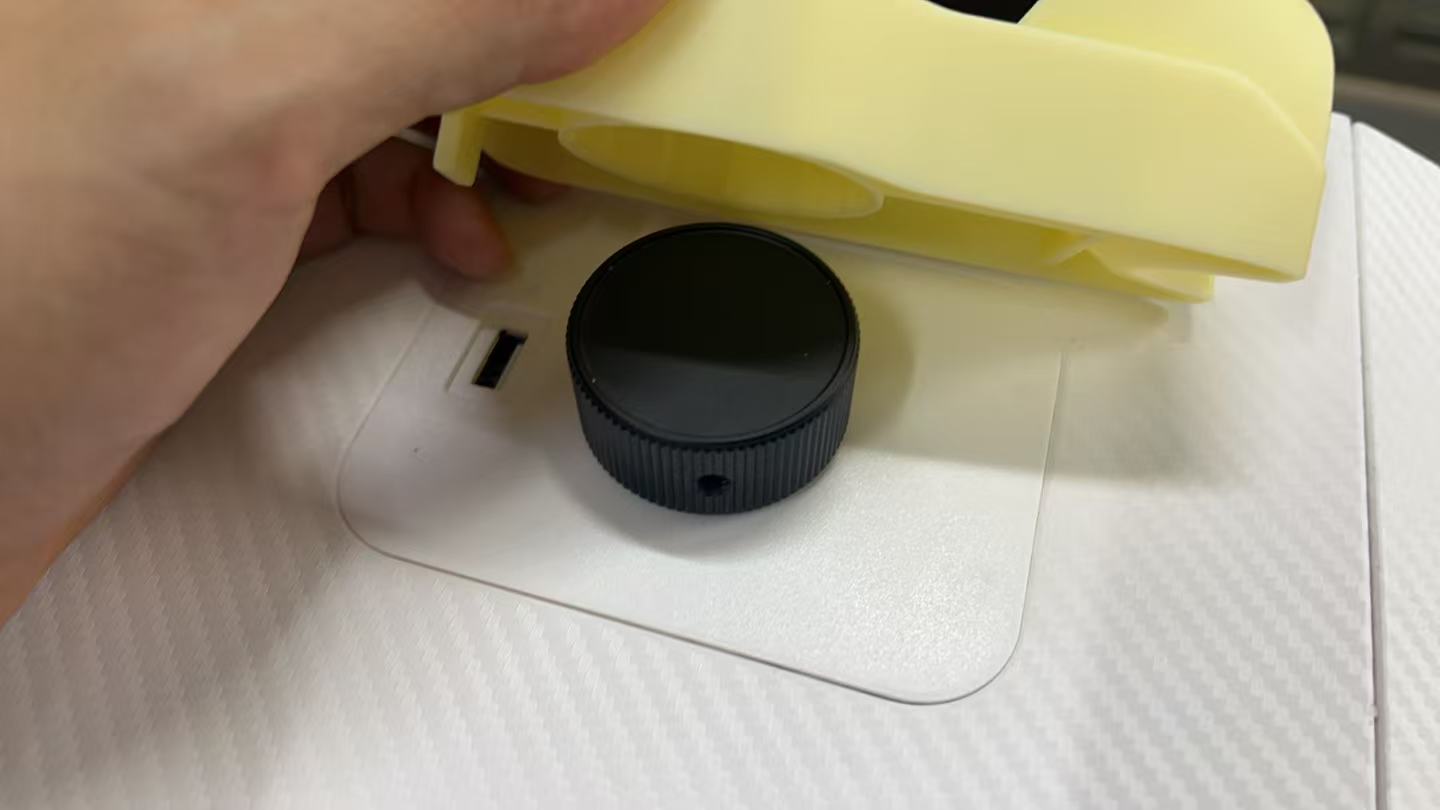
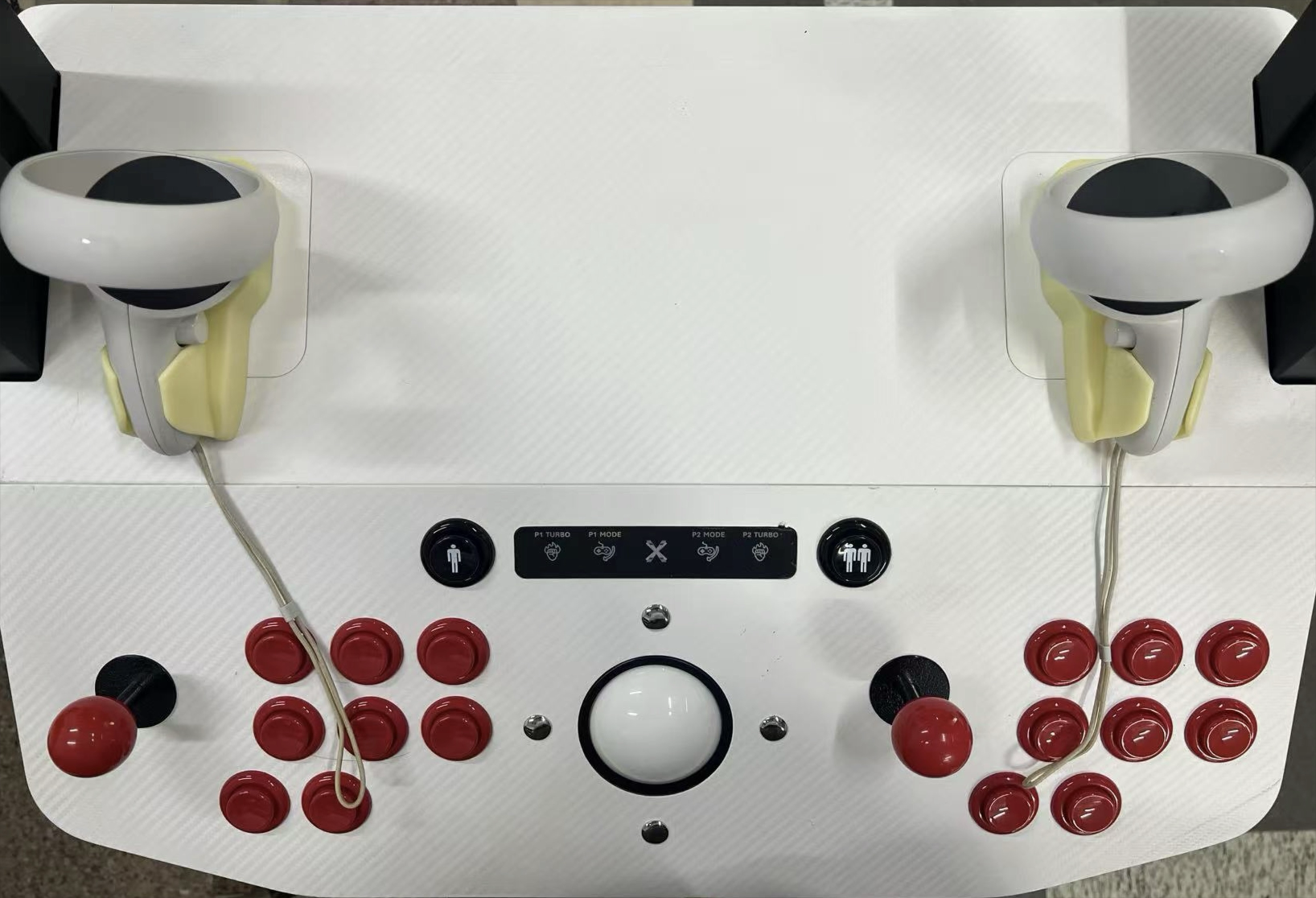
It allows you to place your Meta Quest controllers on top of the installed spinners using specially designed plastic holders, enabling proper in-game mapping.
How to Use:
- Align each mount over the left and right spinners.
- Place the Meta Quest controllers onto the mounts.
- Proceed with in-game mapping instructions in Pinball FX VR.
- Remove the mounts after mapping if desired.
Quest 3 Controller:
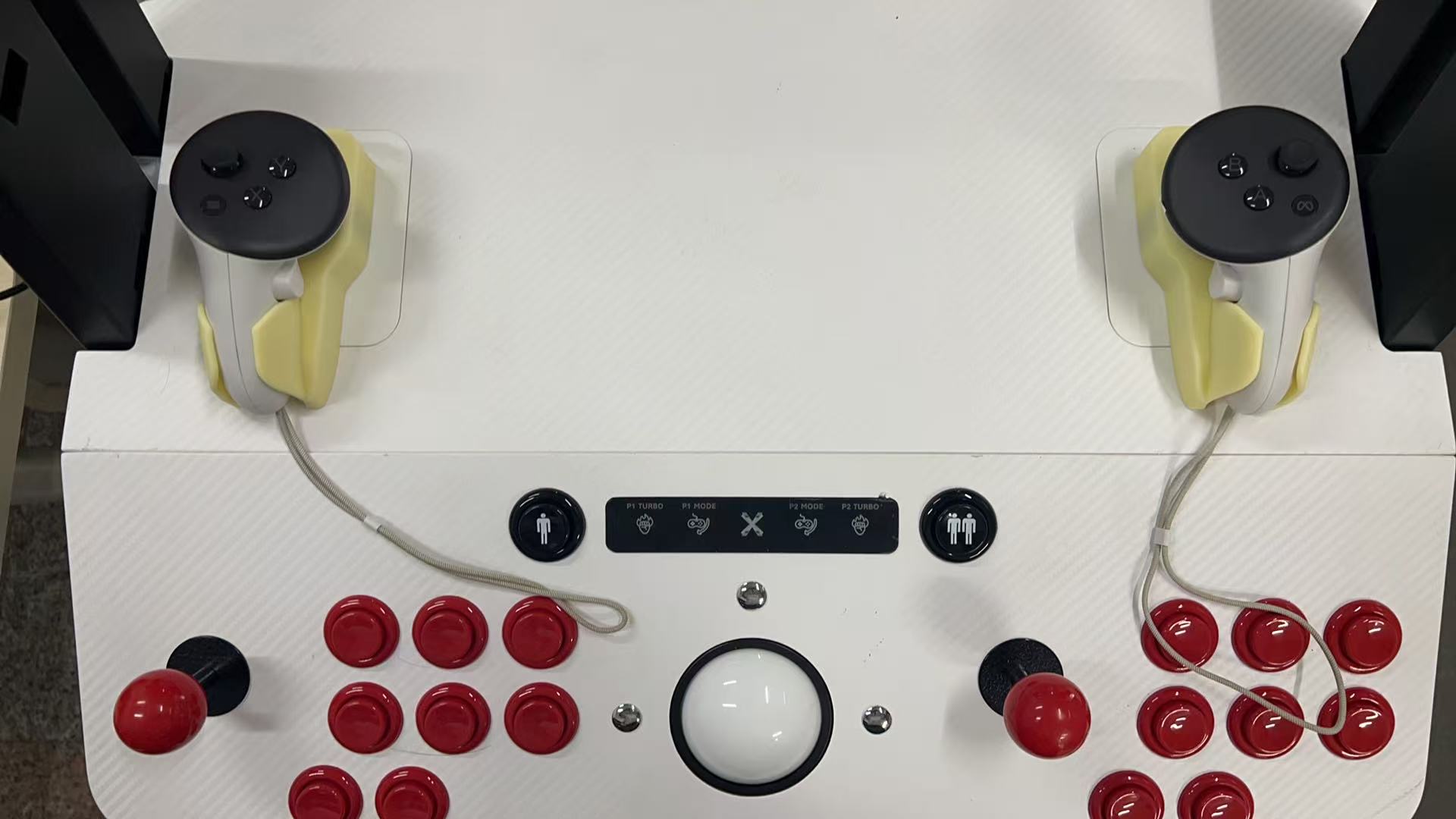
Quest 2 Controller:
Purchase:
Buy the mount kit here:
Print Your Own:
Related Articles:
Source article: <https://support.xgaming.com/support/solutions/articles/12000104204-the-controller-mount-kit-for-spinner-equipped-a2tv-xr-pinball-fx-vr-mapping-fix->
Using the separate Haptics Kit and spinners together
Scope: original Arcade2TV-XR / Tankstick VR with its Spinner Add-On Kit and separate X-Force Haptics Kit, using Meta Quest 2 or 3 for Pinball FX VR. This is not XR MAX guidance.
Support confirmed that the two add-on kits can be used together. Spinners replace the original Quest-controller resting slots, so use the spinner-specific Quest Mount Kit's plastic holders above the spinners for the game's physical alignment. Follow the mapping steps above; verify the game accepts alignment and then test flippers, plunger/nudge and haptics separately. If the mounts do not fit or alignment fails, stop and report the exact controller/headset, kit revision and observed mapping error to support. Do not force a different mount or infer compatibility with other products/games.
This coexistence statement is a scoped staff product clarification. The source customer did not report completing installation or successful mapping; it is not a guaranteed fix or confirmation of every haptics function. Verify current kit availability and price before ordering.
Self-printed spinner mounts: check orientation if a holder breaks
Scope: the separate, self-printed Quest-controller holders used above the spinners on the original Arcade2TV-XR. This does not define a print recipe for XR MAX, Pinball FX Edition, gun holsters or cup holders.
One customer reported that a spinner cover's controller-holding section broke after several weeks when printed bottom-down. They reported that reprinting at an angle resolved the breakage; support acknowledged the orientation feedback. The exact angle, file revision and validated load rating were not recorded. This is a customer-confirmed recovery for that print, not a guarantee that every angled print is strong enough. The material and slicer settings described elsewhere in the same conversation concerned a separate gun holster and are not a verified spinner-mount recipe.
Before printing, identify the correct left/right file and current revision and check any supplied orientation instructions. Do not assume a file's saved orientation is the recommended build orientation. If a holder has cracked or separated, stop using it to support the Quest controller and ask support to review the file, print orientation and clear photos of the failed area. Do not keep using or force a cracked holder.
After an approved reprint, inspect the holder, check fit without forcing it, and keep the controller supported while checking the mapping position. Then verify physical-to-virtual alignment in Pinball FX VR. Report any movement, cracking or loss of fit. This report does not establish that revised download files were released or that a specific infill, wall count or angle is universally required.