The X-ARCADE Spinner/Trackball Mixer Adapter V1.03 FIRMWARE UPGRADE
(This adapter is discontinued due to the release of the spinner booster kit, which includes mixer functionality)
Spinner ooster kit link: <https://shop.xgaming.com/products/tankstick-max-spinner-booster-kit>
This guide provides detailed instructions to upgrade the firmware of your X-Arcade Spinner/Trackball Mixer Adapter to the latest version (V1.03), addressing the issue of low trackball sensitivity.
- Download the upgrade software (ATTACHMENT: Xarcade\_Mixer\_Upgrade\_V1.03.rar) to a Windows PC and unzip it.
- Open the folder and find USB\_Adapter\_Upgrade.exe file.
- Double-click to open the software.
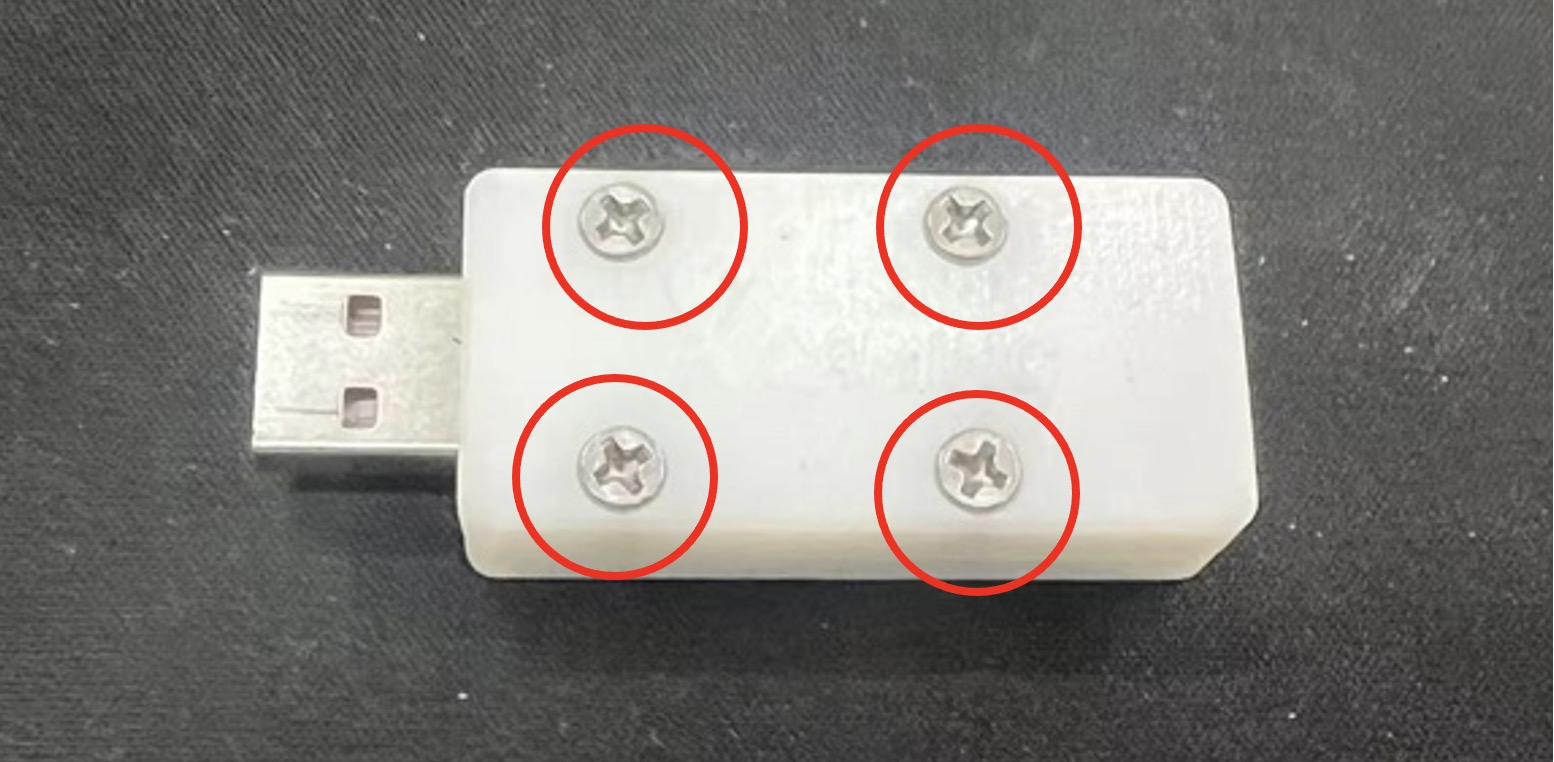
- Unscrew the four screws on the mixer adapter casing.
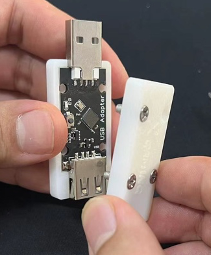
- Take out the PCB.
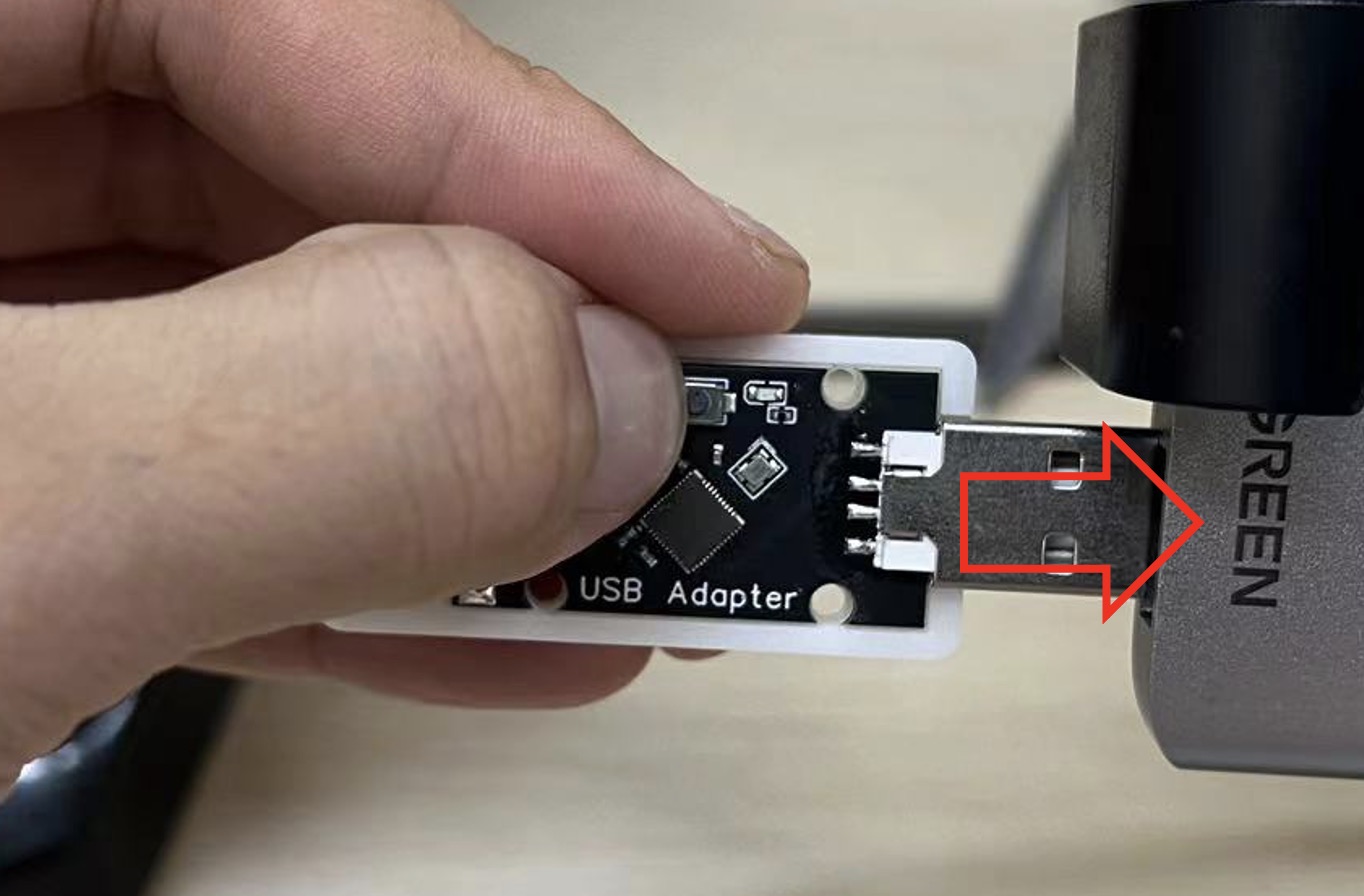
- Press and hold the small button located on one side of the PCB. While holding the button, plug it into the Windows PC. Release the button after 2-3 seconds.
- Within 20 seconds, go back to the USB\_Adapter\_Upgrade.exe software window and press the Search button. The software will display "Found ISP device."
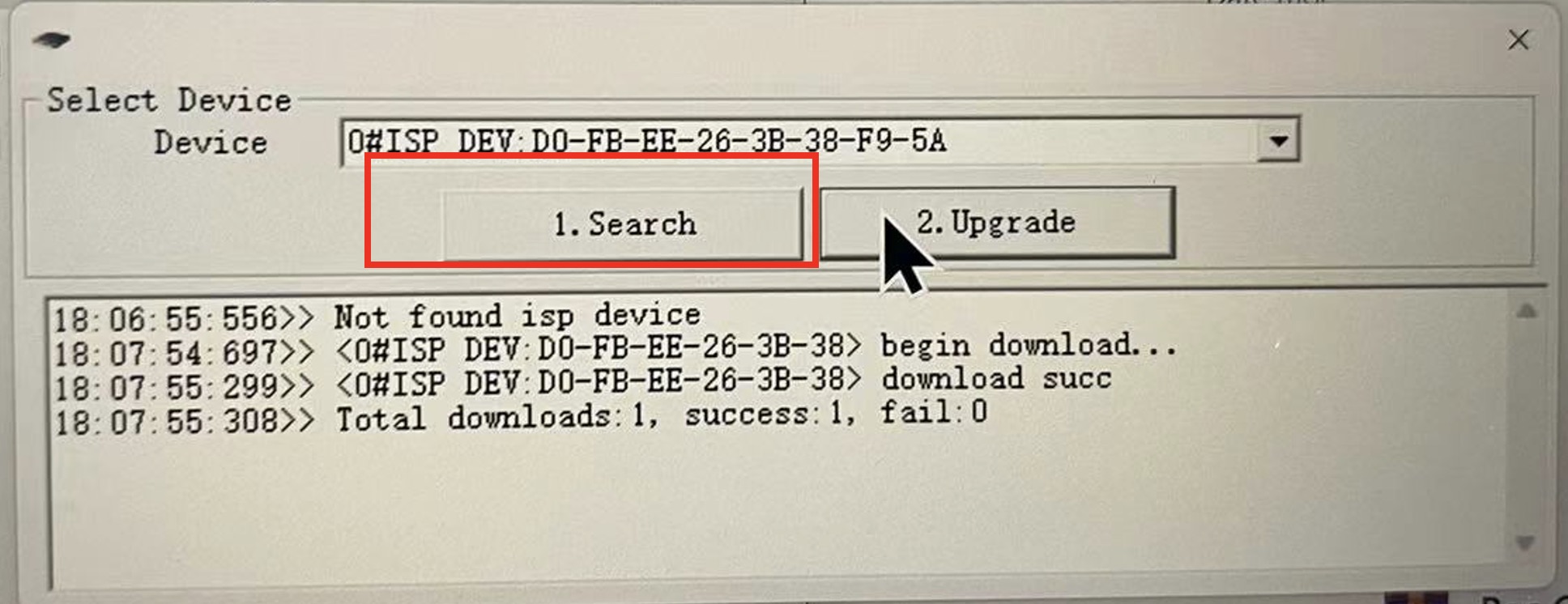
- Press the Upgrade button next to the Search button to start the firmware upgrade.
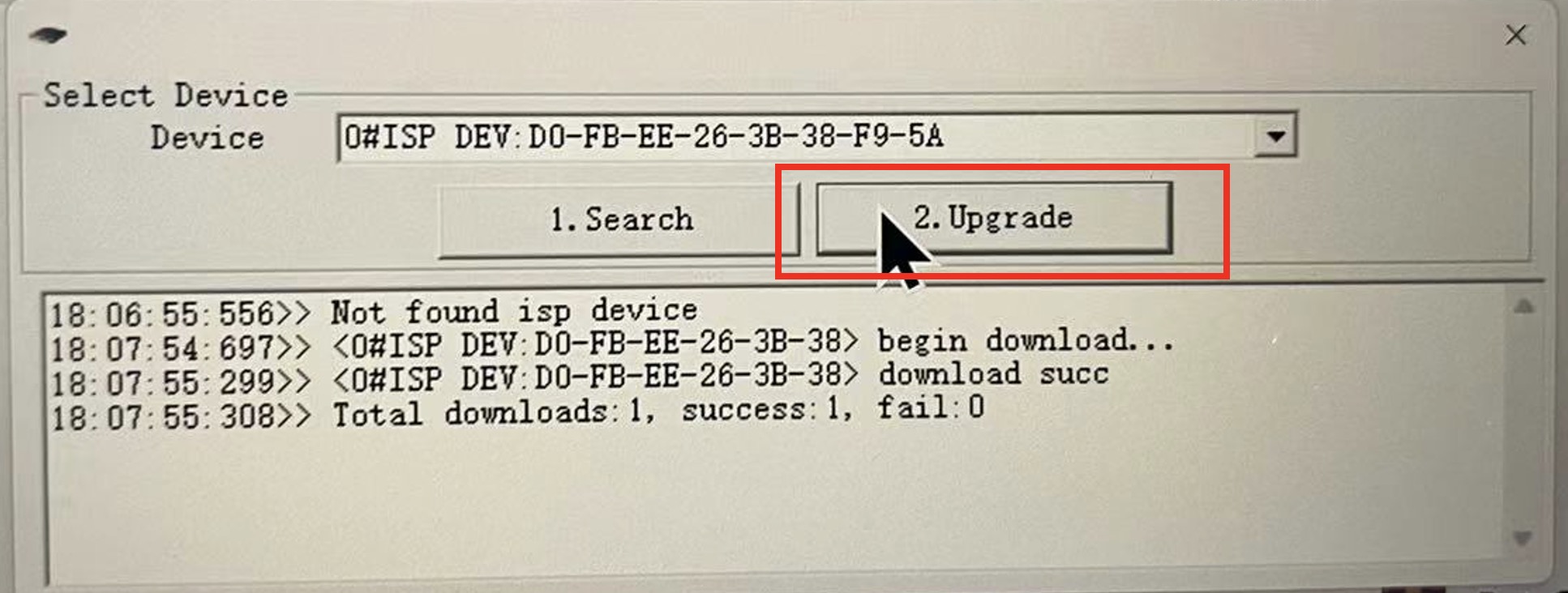
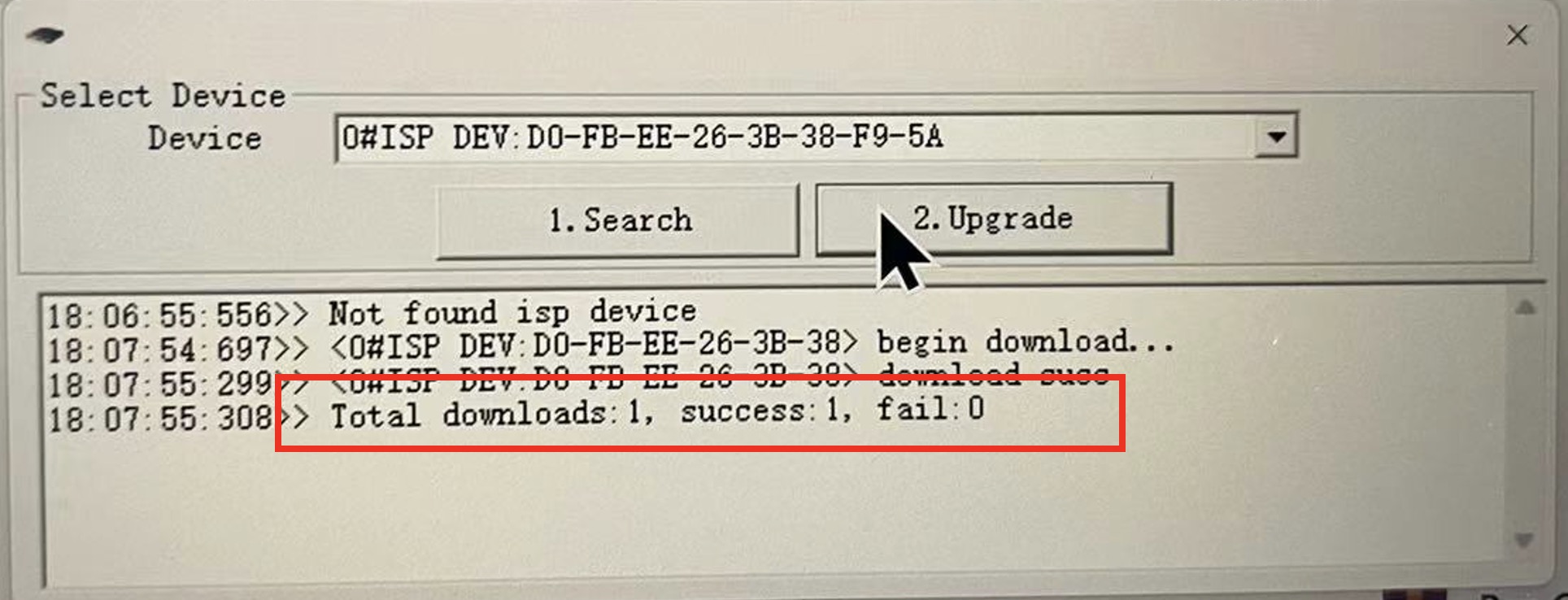
- The upgrade should take about 3 seconds. A message will show "Total downloads: 1, success: 1, fail: 0," indicating the firmware upgrade is complete.
- Disconnect the mixer adapter from the Windows PC and reassemble it with the casing.
- Plug it back into your setup and test the trackball sensitivity.
Note: If the software does not find the ISP device, retry step 6. If the upgrade fails, retry steps 6 to 9. If the exe file does not open, temporarily disable your antivirus software and try again. If issues persist, please contact X-Arcade support.
Source article: <https://support.xgaming.com/support/solutions/articles/12000101011-the-x-arcade-spinner-trackball-mixer-adapter-v1-03-firmware-upgrade>